Block-based CMS with AI translation: our stack and trade-offs
We built a headless CMS with block editor, AI translation to 10 languages, and SEO tooling on PostgreSQL. Here's why we rejected SaaS and what we'd do differently.
We built a block-based headless CMS with AI translation because no off-the-shelf platform gave us both control and simplicity. This is the engine behind aivcj.com—and we're sharing what we learned about trading SaaS convenience for architectural ownership.
What we built and why
The core problem: we publish technical content for Indian manufacturers, distributors, and HR heads in 10 languages. We needed editors to compose pages without touching code, translate content in one click, and ensure every language version ranked in search. A SaaS headless CMS would have meant stitching together Contentful + a translation API + an SEO plugin, with per-seat costs and API call overheads.
Instead, we built a single system on PostgreSQL with three layers:
- Block editor: Non-technical editors compose pages from pre-built, on-brand sections (hero, testimonial, comparison table, form).
- AI translation pipeline: One click sends English content to Claude, which translates to 10 languages with terminology consistency and brand voice.
- SEO suite: Automatic hreflang tags, JSON-LD schema, sitemaps, and llms.txt generation for each language.
The stack: Next.js frontend, NestJS backend, PostgreSQL database, Claude for translation. We self-host everything.
How it works
Block composition: Editors open the visual builder and drag sections onto a page. Each section is a React component with predefined props (headline, body, image, CTA button). No custom HTML. Blocks are stored as JSON in PostgreSQL, so they're queryable and versionable.
Translation flow: Editor clicks "Translate to all languages." The system extracts all text blocks, sends them to Claude with a structured prompt that includes:
- Terminology glossary (e.g., "AIVCJ ERP" stays untranslated in all languages)
- Brand voice guidelines (formal, confident, specific—no generic phrasing)
- Context (is this a product page, blog post, or case study?)
- Target language and audience (Indian market context for Hindi, German business norms for German)
Claude returns translations as JSON. We store them as draft versions, never auto-publishing. An editor reviews each language, can edit inline, and approves before going live. This human-in-the-loop step prevents hallucination and cultural mismatches.
SEO automation: When a page is published in English, the system generates:
- A canonical URL (e.g.,
/en/blog/erp-for-credit-based-distribution-businesses) - hreflang links pointing to
/hi/,/de/,/fr/versions - JSON-LD structured data with language metadata
- Sitemap entries for each language
- llms.txt file listing all pages and their translations
We submit sitemaps via IndexNow to notify Google of new content immediately, rather than waiting for crawl.
Key decisions and trade-offs
PostgreSQL over MongoDB: We needed strong consistency for role-based access control (an editor in India shouldn't see HR content for a US client). PostgreSQL's JSONB type lets us store blocks as JSON while enforcing relational constraints on users, roles, and permissions. A document database would have meant building our own consistency layer.
Block editor over markdown: Blocks give non-technical users (ops leads, HR heads) a visual, drag-and-drop interface. Markdown is faster to write and version-control friendly, but requires coding skill. We chose blocks because our audience doesn't code. We still support markdown inside text blocks for power users who want to write faster.
AI translation with human review, not auto-publish: Claude is powerful but not perfect. We could auto-publish translations, but that risks brand damage and SEO penalties if the model misunderstands context. This is a deliberate slowdown for safety.
Role-based access over open editing: We use PostgreSQL's row-level security to ensure editors see only content they're assigned to. We added 2FA for admin accounts. This is more complex than "everyone can edit everything," but necessary for multi-client, multi-language teams.
Self-hosting over SaaS: We pay for infrastructure (database, compute, storage) but avoid per-seat licensing and API call overheads. For a small team, this is cheaper. For a large organization with many concurrent editors, SaaS might be more cost-effective. We chose self-hosting because we wanted data residency control and the ability to embed Claude directly without API call limits.
| Factor | SaaS headless CMS | Our PostgreSQL build | |
|---|---|---|---|
| AI translation | NoAPI calls, extra cost | YesNative, Claude integrated | |
| SEO tooling | PartlyLimited, plugins required | YesFull control, hreflang, JSON-LD, llms.txt | |
| Role-based access | PartlyPer-seat pricing, limited roles | YesCustom roles, 2FA, audit logs | |
| Data residency | NoUS/EU only, compliance risk | YesSelf-hosted, full control | |
| Setup time | YesDays, minimal engineering | NoMonths, dedicated team | |
| Scaling cost | NoPer-user or per-request fees | YesInfra cost only, predictable |
Why we chose to build on PostgreSQL instead of adopting a headless CMS platform.
What we measured
We track:
- Translation latency: Time from "Translate" click to draft ready for review. This depends on Claude's response time, not our code.
- Editor workflow: Pages published per week, average time to publish (including review). We aim for <2 hours from draft to live across all languages.
- Uptime: The CMS is live at /work/aivcj-cms for you to test.
We don't publish latency or accuracy numbers because they depend on Claude's performance, which we don't control.
What we would do differently
Batch translation scheduling: Right now, translating a page is synchronous—you click, wait for Claude, then review. For high-volume content (e.g., 50 pages at once), we'd queue translations and send batch requests to Claude, reducing API calls and cost.
Translation memory: We could store all past translations and reuse them for similar phrases, reducing API calls and ensuring consistency. We haven't built this yet because our content volume is still small, but it's on the roadmap.
Block versioning UI: Editors can't yet see a visual diff between block versions. We store versions in PostgreSQL, but the UI only shows "revert to version X." A side-by-side diff would help editors understand what changed.
Multilingual SEO insights: We generate hreflang and JSON-LD automatically, but we don't yet show editors which keywords rank in each language or which translations drive traffic. Integrating Google Search Console data would help editors optimize for each market.
Try it yourself
The CMS is live and open to explore. Visit /work/aivcj-cms to see the block editor, translation pipeline, and SEO suite in action. You can see how pages are composed, how translations are managed, and how the system handles 10 languages.
If you're building a multilingual platform for manufacturers, distributors, or HR teams, this architecture scales. The same engine powers our CMS & Content Platforms offering, which includes block builder, AI translation, SEO tooling, role-based publishing, and prompt management.
We've also documented related challenges: how to build a company chatbot that cites its sources, when RAG actually makes sense, and how to safely embed AI into HR workflows.
- Step 1: Editor writes in EnglishComposes blocks, sets metadata, saves draft
- Step 2: Trigger translationOne-click request to translate to 10 languages
- Step 3: Claude processesStructured prompt with terminology, brand voice, context
- Step 4: Translations stored as draftVersioned, not yet live, ready for review
- Step 5: Editor reviews & approvesCan edit, flag issues, or request retranslation
- Step 6: Publish to all languagesScheduled or immediate, with hreflang & JSON-LD
Content flows from editor through Claude, with manual review before publishing to each language.
Sources
Primary sources this article relies on. Rules and rates change — check the source before you act.
- 01Google: localized versions (hreflang)developers.google.com · accessed Oct 7, 2026
- 02Google: FAQ structured datadevelopers.google.com · accessed Oct 7, 2026
- 03llms.txt proposalllmstxt.org · accessed Oct 7, 2026
- 04IndexNowindexnow.org · accessed Oct 7, 2026
- 05Next.js internationalizationnextjs.org · accessed Oct 7, 2026
- 06W3C: declaring language in HTMLw3.org · accessed Oct 7, 2026
- #cms
- #ai translation
- #architecture
- #postgresql
- #next js
Frequently asked questions
01Why did you build your own CMS instead of using Contentful or Strapi?
02How does the AI translation pipeline avoid hallucination?
03What's the trade-off between block-based and markdown?
04How do you handle SEO for 10 language versions?
05Why PostgreSQL and not a document database?
CMS & Content Platforms
Your team edits everything. Developers touch nothing.
Keep reading
2 min read
What is RAG — and when does your business actually need it?
Retrieval-augmented generation lets AI answer from your own documents instead of guessing. Here is how it works, where it shines, and the signs you are ready for it.
Read more1 min read
Self-hosting an AI interviewer with LiveKit: the architecture
Real-time voice AI is a latency game. A look at how we combine self-hosted LiveKit, streaming speech and an LLM to run natural interviews on your own servers.
Read more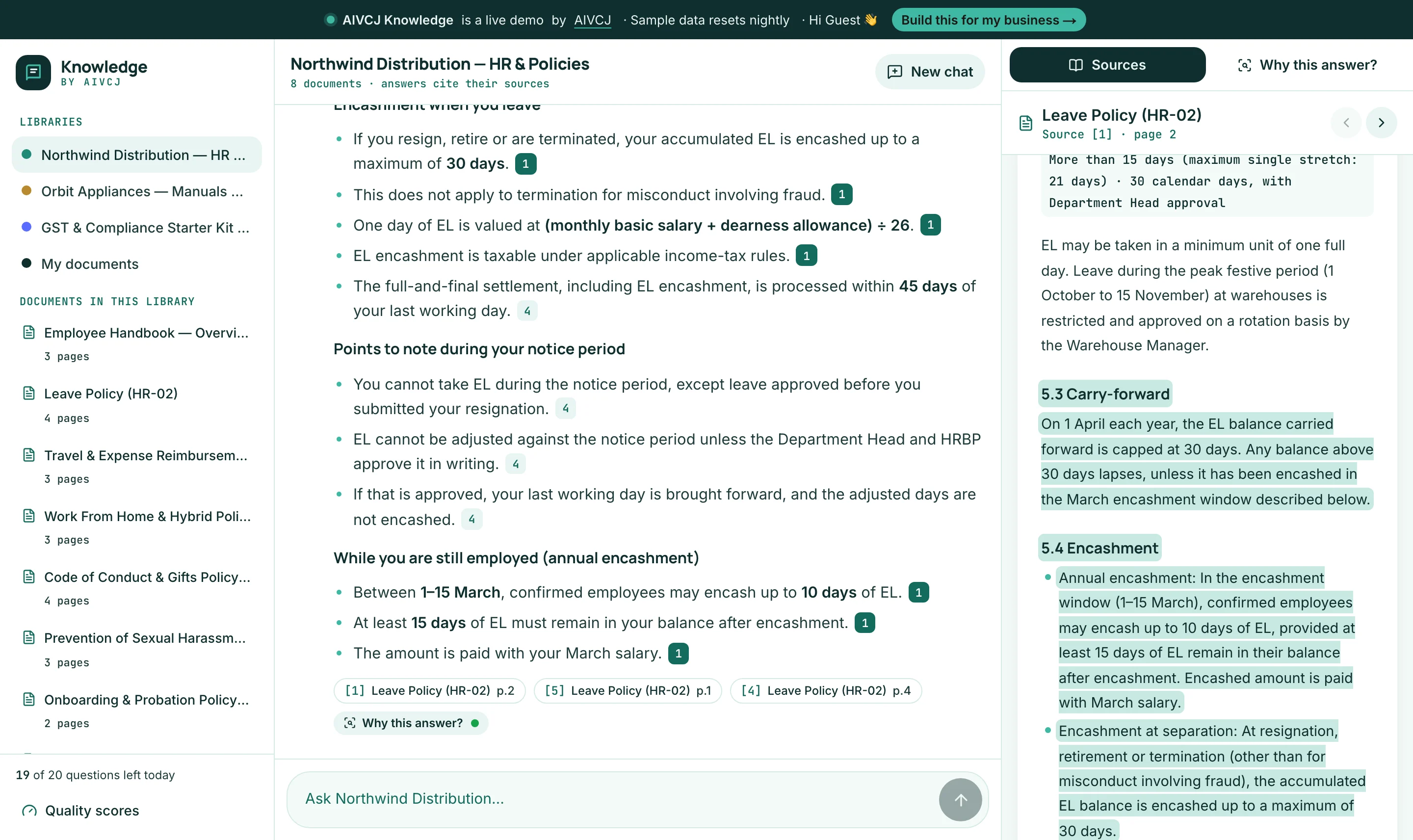 AI & RAG
4 min read
Why most company chatbots hallucinate — and how we built one that cites its sources
A behind-the-scenes look at AIVCJ Knowledge: hybrid retrieval, query planning, a grounding check on every answer, and two public test sets — including a blind one written the way real people type. Try it live on sample HR, product and GST documents, or your own PDF.
Read more